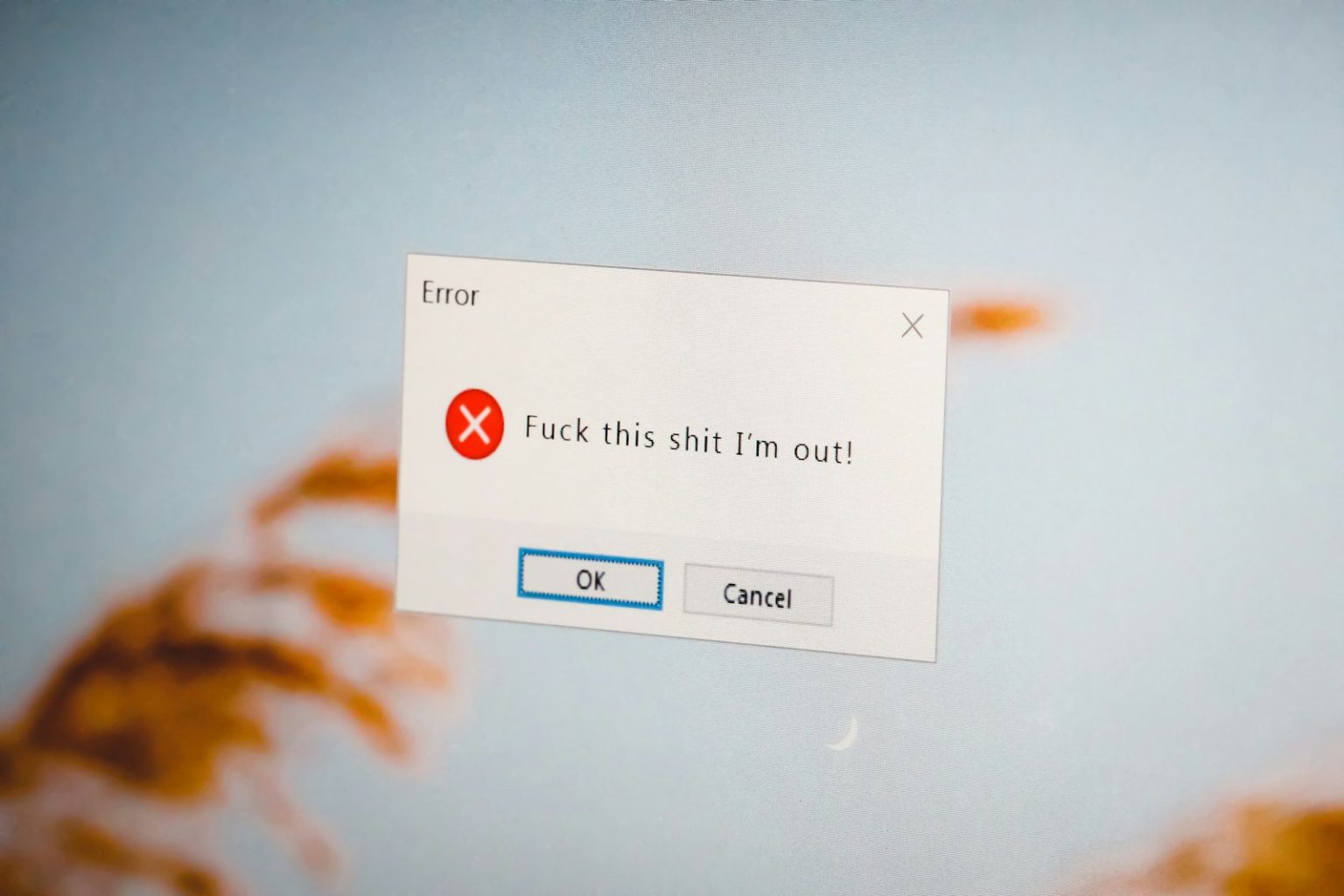
A 404 error page appears when a visitor tries to access a URL that doesn’t exist on your website — either because they’ve typed it incorrectly, followed a broken link from another site, or clicked a link to a page that’s been deleted or moved. The default WordPress 404 page (“That page can’t be found”) is a dead end — it tells the visitor nothing useful and provides no clear path forward.
For most Mornington Peninsula business websites, 404 pages are ignored in the design process. That’s a missed opportunity. A 404 page is visited by real potential clients who were clearly interested enough in your business to arrive — and a well-designed 404 page can recover a meaningful percentage of them rather than sending them to the back button.
What a Good 404 Page Should Do
Explain what happened without blaming the visitor. “Oops — we couldn’t find that page” is human and forgiving. “404 Error: The requested URL was not found on this server” is technical, cold, and unhelpful. Most visitors who encounter a 404 page don’t know why — they clicked a link they expected to work. Acknowledge that something went wrong without making them feel they’ve done something wrong.
Provide clear paths forward. The goal of the 404 page is to keep the visitor on the site rather than losing them to the back button. Include: a link to the homepage, links to your most important service pages, a search field (if your website has meaningful searchable content), and your contact details or a contact form. Give the visitor options appropriate to what they were most likely looking for — if you know which pages are most commonly visited on your site (from GA4 data), include links to those on your 404 page.
Maintain your brand voice and visual design. A 404 page that looks completely different from the rest of your website — or that uses the platform’s default unstyled error page — creates a jarring inconsistency that reduces trust at an already-uncertain moment. Your 404 page should use the same header, navigation, colours, and fonts as every other page on your site.
Include a call to action. The 404 page is a conversion opportunity because the visitor is actively on your website and interested enough to be there. A CTA — “Not finding what you need? Get in touch and we’ll help.” or “Tell us what you were looking for and we’ll point you in the right direction” — treats the 404 event as a customer service moment rather than a technical failure.
Using 404 Data Commercially
Google Search Console shows 404 errors in its Coverage report — specifically, URLs that Google has tried to crawl and found broken. These represent either pages that have been deleted (requiring redirects to relevant replacements) or external links pointing to non-existent pages on your site (representing lost link authority that a redirect would recover). Reviewing 404 data monthly and implementing 301 redirects for high-traffic 404 errors is a simple technical maintenance task with a direct SEO benefit: no visitor or search engine authority lost to broken links.
Every website built by Click Websites has a custom-designed 404 page that maintains brand consistency and provides clear paths forward. We also monitor for 404 errors as part of our ongoing site maintenance. Get in touch to discuss your website’s technical maintenance, or request a free health check to identify broken pages on your current site.
Frequently Asked Questions
Do 404 errors hurt my SEO?
404 errors on pages that have never existed and receive no links (like mistyped URLs) have minimal SEO impact — Google handles these gracefully. 404 errors on pages that previously existed and had inbound links or internal links are a different matter: the link authority pointing to those URLs is wasted, and Google may retain the old URL in its crawl queue and show frustrated users a broken result. For pages that have been intentionally removed or moved, implementing a 301 redirect to the most relevant existing page preserves both user experience and link authority.
How do I find out which 404 errors are occurring on my website?
Google Search Console’s Coverage report lists “Not found (404)” errors that Google has encountered while crawling your site. GA4 can be configured to track 404 pages using the page title filter (WordPress default 404 pages typically have a specific page title pattern). Server log analysis tools (available from most hosting providers) show every 404 request made to the server, including 404s generated by direct URL entry that Google may not have crawled.
Should I redirect all 404 pages to my homepage?
No — a blanket redirect of all 404 errors to the homepage is considered a “soft 404” by Google, which may treat these redirects as unhelpful (a page that says it exists but doesn’t contain the expected content). The appropriate approach is to redirect each broken URL to the most relevant existing page — a deleted service page redirected to the closest current service page, or the services overview page if no close match exists. The homepage should only receive redirects from very generic URLs with no obvious relevant destination.
Can a creative 404 page go viral and generate traffic?
Occasionally — very creative, humorous, or interactive 404 pages have been shared as novelties. For a local Peninsula service business, this is not a realistic goal — and prioritising 404 page creativity over 404 page utility misunderstands the purpose. A clear, helpful, on-brand 404 page that converts a small percentage of lost visitors into enquiries is more commercially valuable than a witty one that gets shared but doesn’t serve visitors’ actual needs.
What’s a soft 404 and why does it matter?
A soft 404 is a page that returns a “200 OK” HTTP status code (indicating a successfully found page) but displays error content or blank content. It’s “soft” because the server technically says the page exists, but the actual content communicates an error. Soft 404s confuse search engines — Google may continue crawling and indexing a soft 404 page thinking it has content, while the visitor sees an error. WordPress correctly returns a “404 Not Found” HTTP status for pages that don’t exist — a soft 404 occurs when a broken URL is redirected to a page that returns 200 OK but displays nothing relevant.
How often should I check for 404 errors?
Monthly is sufficient for most Peninsula small business websites. The key triggers for immediate 404 checks: after restructuring your website’s URL architecture, after migrating to a new website, or after deleting or renaming existing pages. Any significant structural change to an existing website creates 404 risks for the old URLs — checking immediately after such changes and implementing redirects before Google recrawls prevents lost rankings and user frustration from propagating through search results.