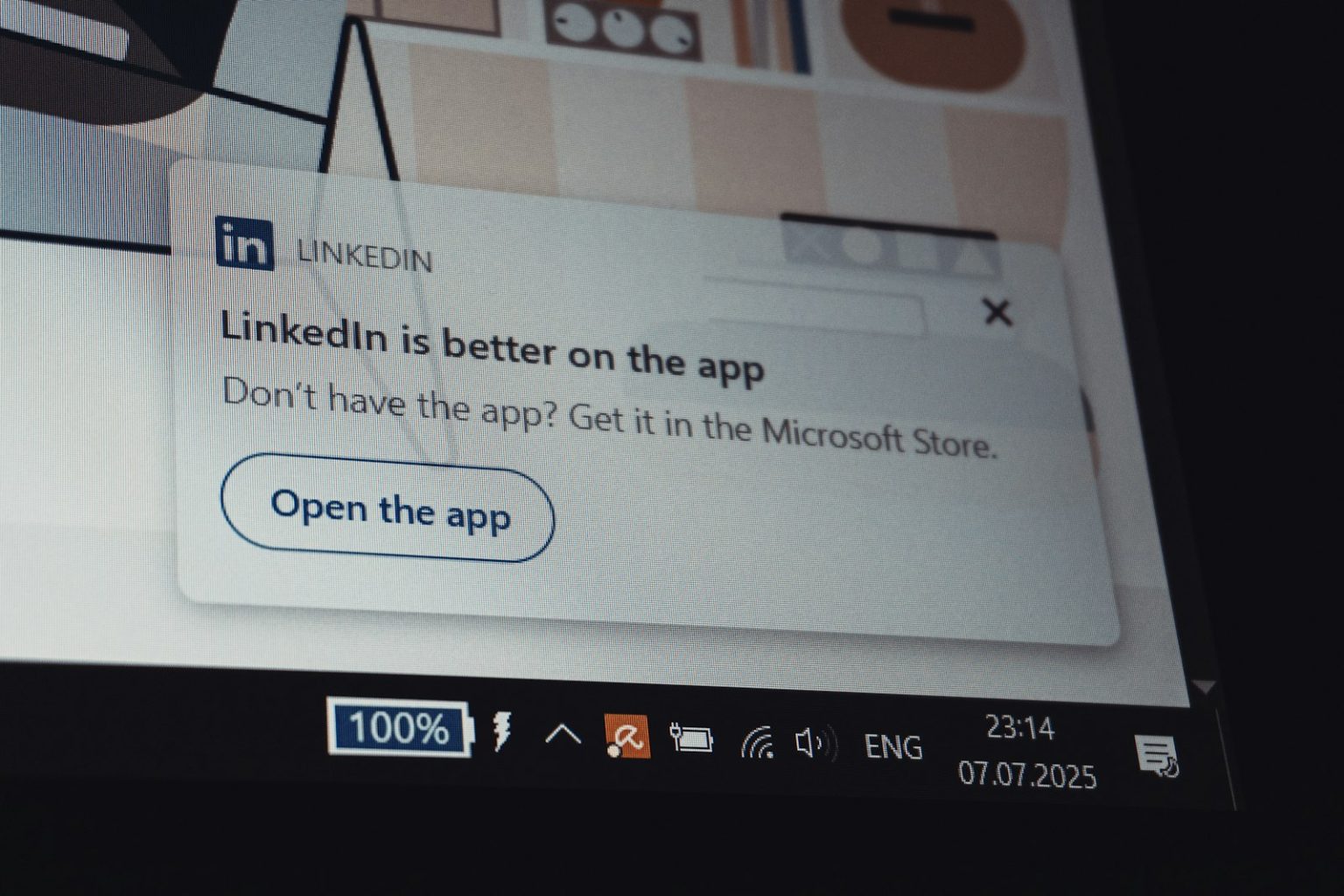
Popups are one of the most divisive elements in web design. Used well, they capture email subscribers, promote offers, and reduce cart abandonment in ways that meaningfully increase revenue. Used poorly, they’re the single element most likely to immediately drive a visitor away from your website — especially on mobile, where a poorly timed popup that covers the entire screen and is difficult to dismiss is a conversion catastrophe.
For a Mornington Peninsula small business, the question isn’t “should I have popups?” — it’s “which type of popup, triggered by which conditions, serving which specific goal, for which pages?” The answer depends on your business type, your traffic volume, and what you’re trying to achieve.
Popup Types That Work for Local Businesses
Exit-intent popups. Triggered when a visitor’s cursor moves toward the browser’s back button or address bar (on desktop), or when a mobile visitor has been idle for a period indicating they’re about to leave. Exit-intent popups have a reasonable conversion rate because they target visitors who are leaving anyway — capturing some of them with a compelling offer doesn’t disrupt visitors who were genuinely engaged. For a local service business, an exit-intent popup offering “get a free quote before you go” or “download our free guide” captures visitors who found the site relevant but weren’t yet ready to enquire.
Timed popups (with a meaningful delay). Appearing after a visitor has spent 30 to 60 seconds on the page — suggesting genuine engagement — rather than immediately on arrival. A popup that appears after a visitor has read half a blog post and consumed genuine value converts at a higher rate and with lower bounce rate impact than one that appears before the visitor has seen anything. The appropriate delay varies by page type: informational blog posts warrant longer delays than high-intent service pages.
Scroll-triggered popups. Appearing when a visitor has scrolled to a defined percentage of the page — typically 50–70% — indicating they’ve engaged with a meaningful portion of the content. For blog posts and educational content specifically, a popup triggered at 60% scroll depth targets readers who’ve found the content valuable and are most likely to want more of the same. “Enjoyed this? Get our monthly guide to [relevant topic] directly to your inbox” presented at the point of maximum engagement converts far better than the same offer presented on arrival.
Inline content upgrades. Not technically a popup — a content upgrade is an embedded form within the post or page content, offering a relevant lead magnet directly related to what the visitor is reading. A blog post about preparing your home for sale with an embedded “download our complete seller’s checklist” form is less intrusive than a popup version of the same offer and often converts at comparable or higher rates. For businesses concerned about popup bounce rate impact, inline content upgrades are the no-disruption alternative.
Popup Mistakes That Drive Visitors Away
Immediate load popups — appearing within two seconds of arrival, before the visitor has any context for why they should subscribe or engage. Google explicitly penalises mobile pages with intrusive interstitials that cover content immediately on load, which suppresses rankings for the pages affected. The ranking penalty alone should dissuade local businesses from immediate load popups on key service pages.
Difficult-to-dismiss popups — where the close button is tiny, camouflaged, or absent on mobile. A popup visitors can’t easily close creates immediate frustration that drives the back button. Close buttons should be large, clearly visible, and accessible on mobile touch interfaces.
Irrelevant offers — a popup offering a “guide to choosing a plumber” on a page about bathroom renovation converts poorly because the offer doesn’t match what the visitor came to the page for. Popup relevance to the page content dramatically affects conversion rates.
At Click Websites, popup strategy is evaluated per-business and implemented thoughtfully — not as a default feature. Get in touch to discuss whether popups are right for your specific website and audience.
Frequently Asked Questions
Do popups hurt SEO?
Intrusive interstitials on mobile pages can directly hurt SEO — Google explicitly identifies this as a negative ranking signal since 2017. The specific issue is popups that cover the main content immediately on load, making it difficult for mobile users to access the content they searched for. Popups that appear after significant time on page, that are easy to dismiss, and that don’t cover the entire screen on mobile avoid this penalty. For desktop-only popups, the SEO impact is less direct, though high bounce rates from intrusive popups indirectly affect engagement signals.
What conversion rate should I expect from a popup?
Email signup popup conversion rates (percentage of visitors who subscribe) typically range from 1–5% for well-executed popups. Exit-intent popups tend to convert at the higher end of this range. Immediate load popups often convert at the lower end despite (or partly because of) their intrusiveness — the visitors they capture are a smaller percentage of the visitors they drive away. A 2–3% conversion rate on a popup offering a genuinely valuable lead magnet, triggered at appropriate conditions, is a reasonable benchmark for most local business websites.
Should I use a popup on my homepage?
Cautiously. The homepage is often a high-intent page where visitors are evaluating whether to engage with your business — an immediate popup before they’ve had a chance to assess the site creates friction at the worst possible moment. If using a popup on the homepage, use an exit-intent or heavily delayed trigger (60+ seconds), ensure it’s easily dismissed, and make the offer immediately compelling and relevant to the reason most homepage visitors arrive.
Can I use a popup to reduce cart abandonment on my online shop?
Yes — this is one of the highest-ROI popup applications for ecommerce. A cart abandonment popup triggered by exit intent (when the visitor moves toward closing the tab with items in their cart) offering a discount or free shipping to complete the purchase recovers a meaningful percentage of otherwise-lost sales. Shopify and WooCommerce both support exit-intent cart abandonment popups through dedicated apps. For Peninsula retail businesses with online stores, cart abandonment popup revenue can be quantified directly and typically justifies the implementation cost within weeks.
What should a local business popup offer?
Something specific and immediately valuable to the visitor — not something vague. Poor: “subscribe to our newsletter.” Better: “get our free guide to [relevant topic specific to your audience].” Best: an offer calibrated specifically to the page the visitor is on and the stage of their decision they’re likely at. For high-intent visitors on service pages: “get a free quote before you go.” For visitors consuming educational content: “get monthly tips on [topic] delivered to your inbox.” The more specific and immediately relevant the offer, the higher the conversion rate.
Are there alternatives to popups for capturing email subscribers?
Yes — and for many local businesses they’re preferable. Inline forms embedded within content convert at comparable rates without the disruption. Sticky header or footer bars that remain visible as the visitor scrolls provide persistent capture opportunities without interrupting content. Content upgrades (a downloadable resource offered within a specific post) capture high-intent subscribers who’ve already demonstrated engagement with the topic. For businesses with significant traffic, split testing popup vs non-popup approaches against actual conversion metrics (not just subscriber count) reveals which approach produces better commercial outcomes.